How to Read and Write YAML
Maps, lists, indentation, quotes and multi-line text, in eight short lessons you can edit, with the JSON a program reads updating as you type.
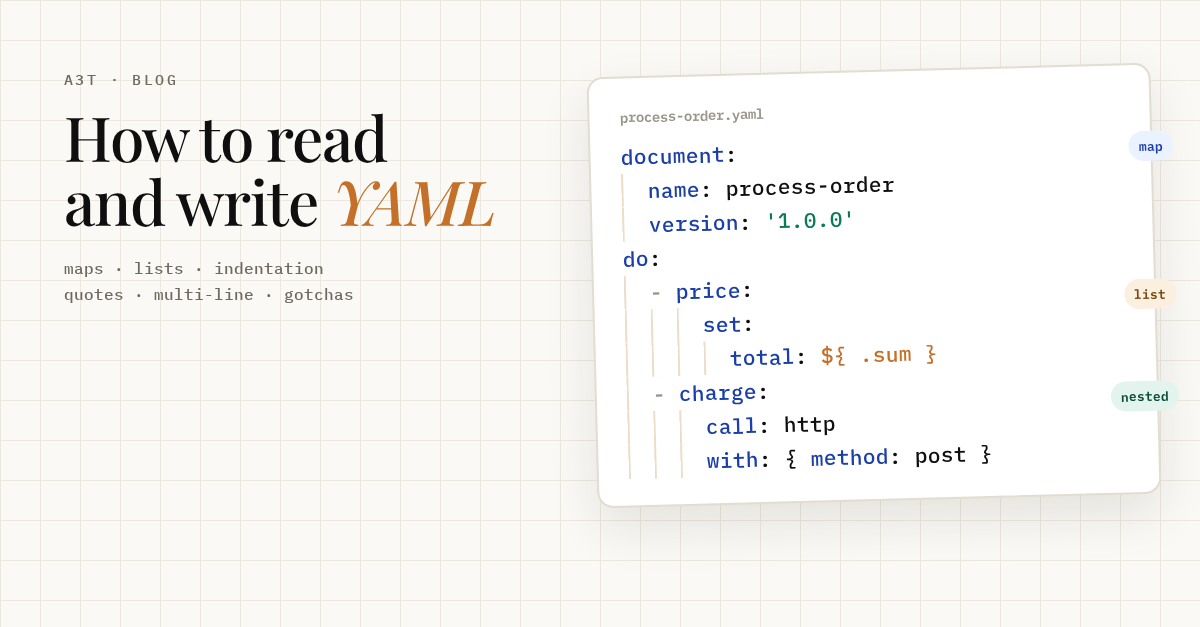
Workflows, Kubernetes manifests, CI pipelines and agent configs are all written in YAML. YAML is JSON written for people: the same maps, lists, strings and numbers, with indentation instead of braces.
The quickest way to learn it is to watch what a program reads. Edit the YAML on the left and the JSON on the right updates as you type.
Maps. key: value pairs. The space after the colon is required. Order does not matter.
{
  "name": "process-order",
  "version": 3,
  "active": true,
  "owner": null
}
Lists. Each item starts with "- ". Items are in order, and can be any type.
{
  "secrets": [
    "paymentKey",
    "shopToken"
  ],
  "retries": [
    1,
    5,
    30
  ]
}
Nesting. Indentation, in spaces, puts a key inside another. Two spaces per level is the convention. Tabs are not allowed.
{
  "document": {
    "namespace": "shop",
    "name": "process-order"
  },
  "timeout": {
    "after": {
      "minutes": 30
    }
  }
}
List of maps. The pattern every workflow uses: a list whose items are maps. The keys after "- " belong to the same item, so they line up.
{
  "do": [
    {
      "price": {
        "set": {
          "total": 42
        }
      }
    },
    {
      "charge": {
        "call": "http",
        "with": {
          "method": "post"
        }
      }
    }
  ]
}
Inline. Flow style: { } for a map and [ ] for a list, on one line. Same data, shorter. Handy for small values.
{
  "delay": {
    "seconds": 2
  },
  "tags": [
    "orders",
    "payments"
  ],
  "limit": {
    "attempt": {
      "count": 3
    }
  }
}
Strings. Most strings need no quotes. Quote them when YAML would otherwise read a number, a boolean, or a colon followed by a space.
{
  "plain": "Process an order",
  "version": "1.10",
  "unquoted": 1.1,
  "title": "Order: paid",
  "expr": "${ { id: .orderId } }"
}
Multi-line. | keeps the line breaks (good for scripts). > folds the lines into one (good for long text).
{
  "code": "print(\"one\")\nprint(\"two\")\n",
  "summary": "Validates the order, charges the card and ships it.\n"
}
Fix me. This one does not parse. Read the error, then fix it: one quote is enough.
bad indentation of a mapping entry (3:15)

 1 | document:
 2 |   name: process-order
 3 |   title: Order: paid
-------------------^
Reading a YAML file
Four questions get you through any file:
- Who owns this line? The nearest line above it with less indentation. Indentation is the structure.
- Is it a list item? A line starting with
-is one item of a list. Every key indented under it, lined up with the first key after the dash, belongs to the same item. - Is the value here, or below?
key: valueholds a value on the same line.key:with nothing after it means the value is the indented block below. - Is it text, or something else?
true,false,nulland numbers are read as those types. Quotes force text.|and>start multi-line text.
Writing rules
- Spaces, never tabs. Two per level, and the same number everywhere in the file.
- A space after every colon.
key:valueis one string, not a key and a value. - Quote what looks like something else: versions (
'1.10', or it becomes1.1), cron lines ('0 * * * *'), and any value containing:or starting with{,[,*,&,!,%or@. - Quote expressions that contain
:. In a workflow,as: '${ { id: .orderId } }'needs quotes;in: ${ .items }does not. - Comments start with
#, after a space if they follow a value.
Gotchas
| You write | A program reads | Fix |
|---|---|---|
version: 1.10 | the number 1.1 | version: '1.10' |
title: Order: paid | a parse error | title: 'Order: paid' |
zip: 01234 | the number 1234 | zip: '01234' |
country: NO | false, in YAML 1.1 parsers such as PyYAML | country: 'NO' |
on: push | true: push, in YAML 1.1 parsers | 'on': push |
| a tab before a key | a parse error | two spaces |
The last two depend on the parser. YAML 1.2, which the playground above uses, reads NO and on as text; older YAML 1.1 parsers read them as booleans. Quoting works in both.
Next
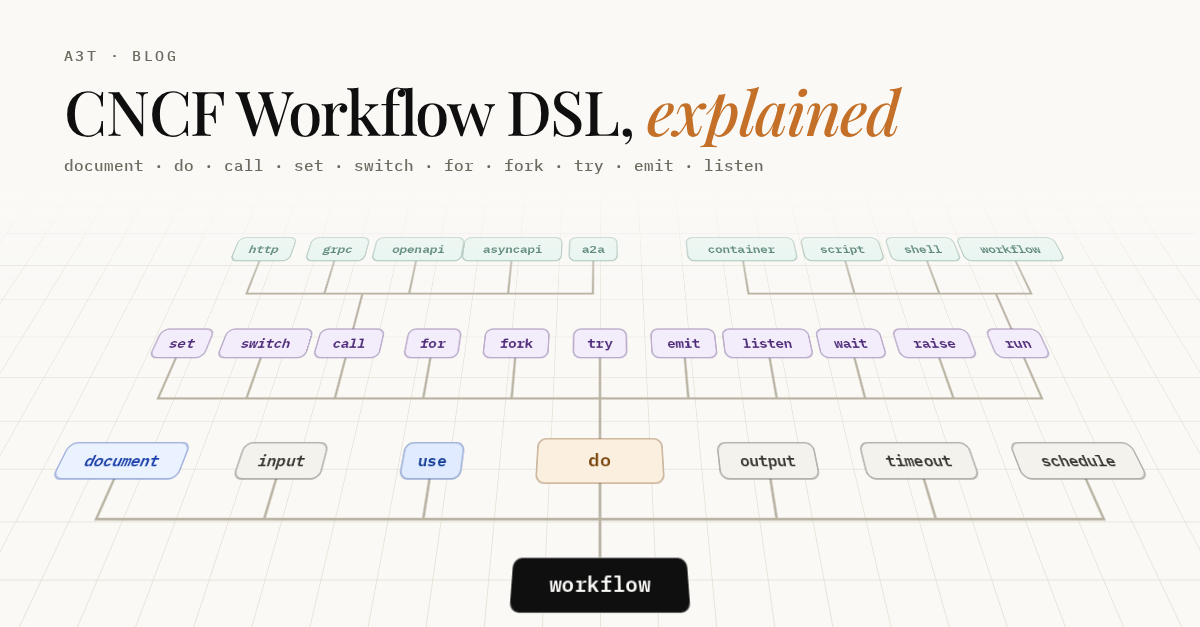
Now read a real schema: CNCF Workflow DSL, Explained shows the whole workflow language as a tree you can open key by key.
Sources
- YAML 1.2.2 specification
- js-yaml, the parser the playground uses